What accessibility tools are available for students?
 Updated
by
Gayle McKee
Updated
by
Gayle McKee
- Students can expand or collapse the toolbar by clicking the option at the bottom of the toolbar.
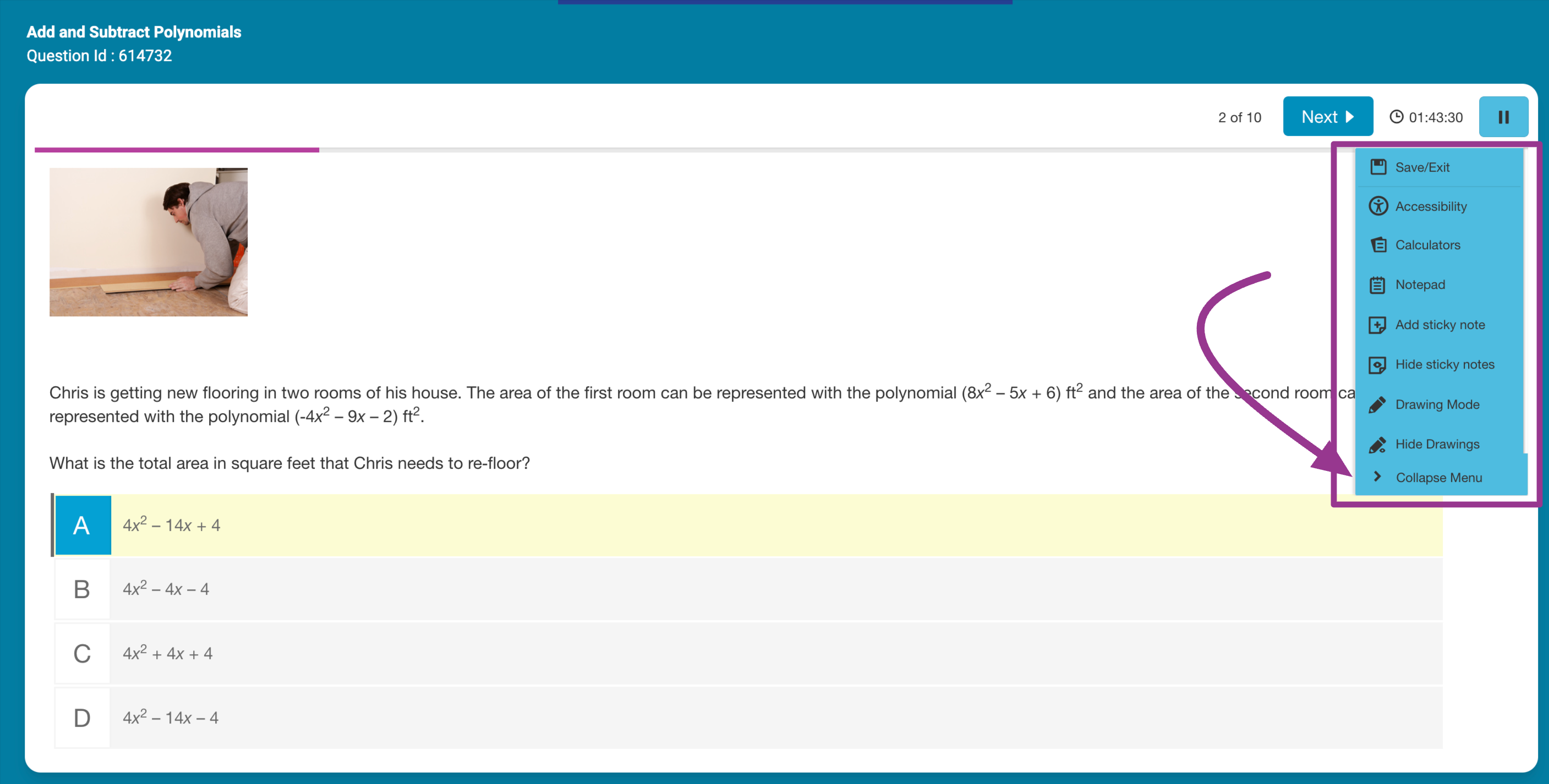
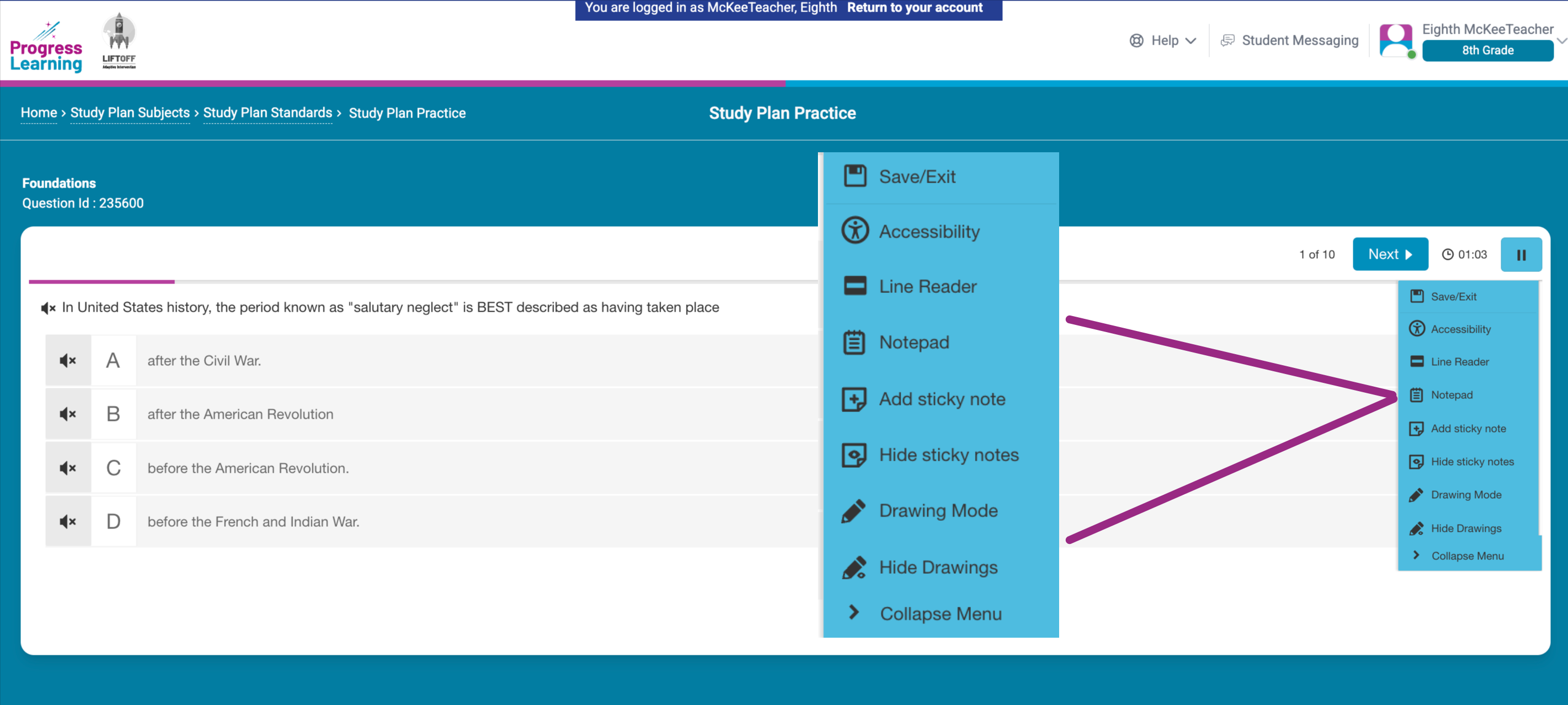
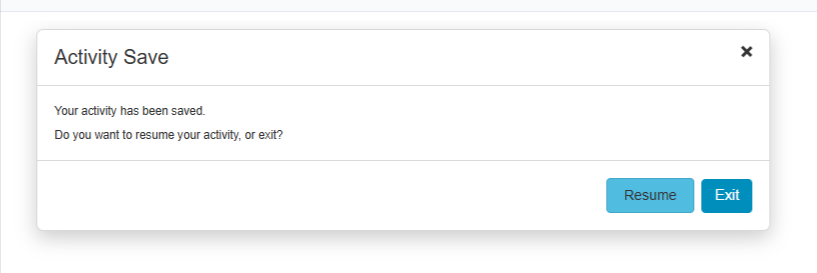
- Save/Exit: Allows students to Exit before an activity is complete or to Resume before exiting (6-12 Grade Study Plan)
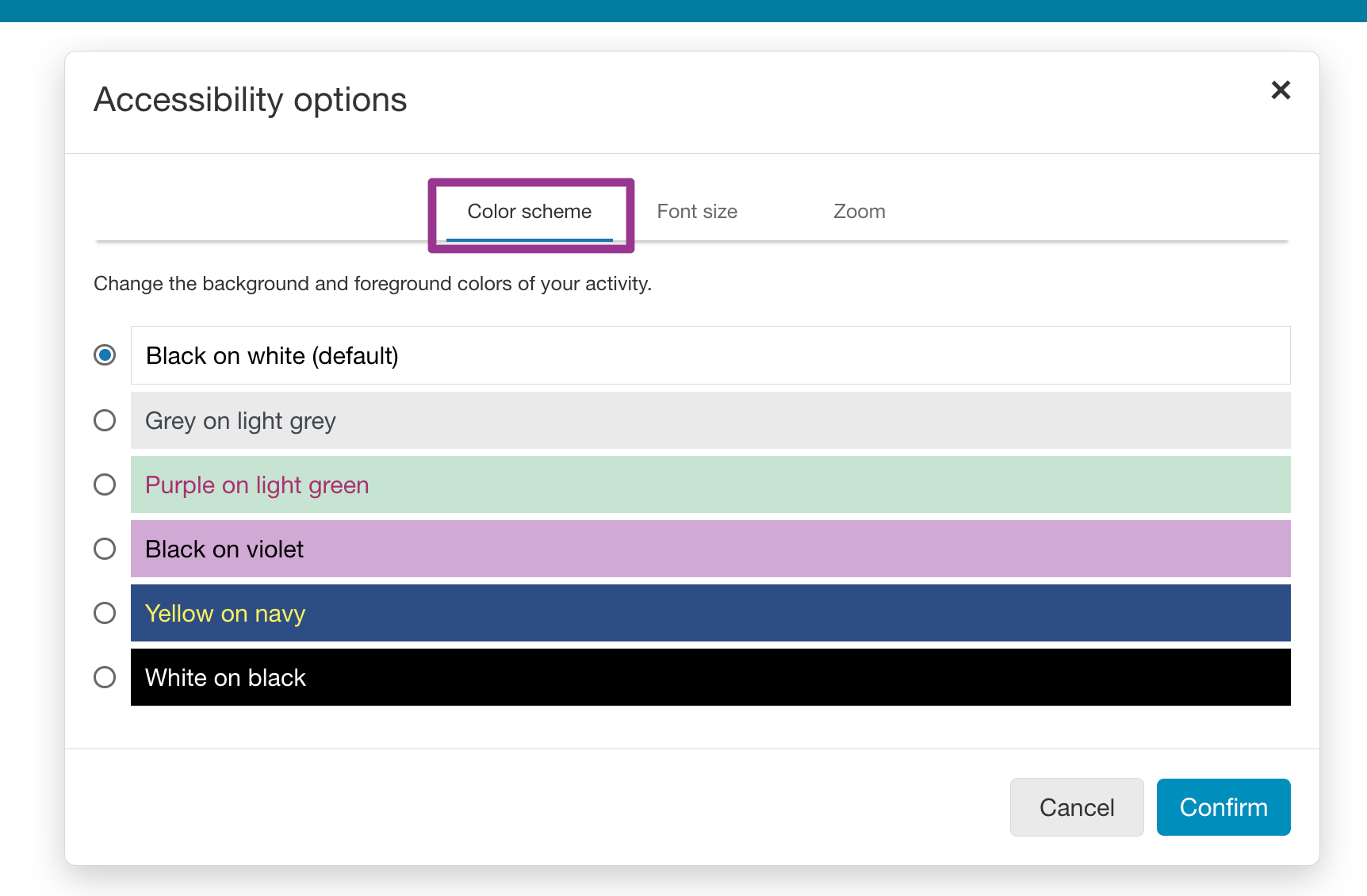
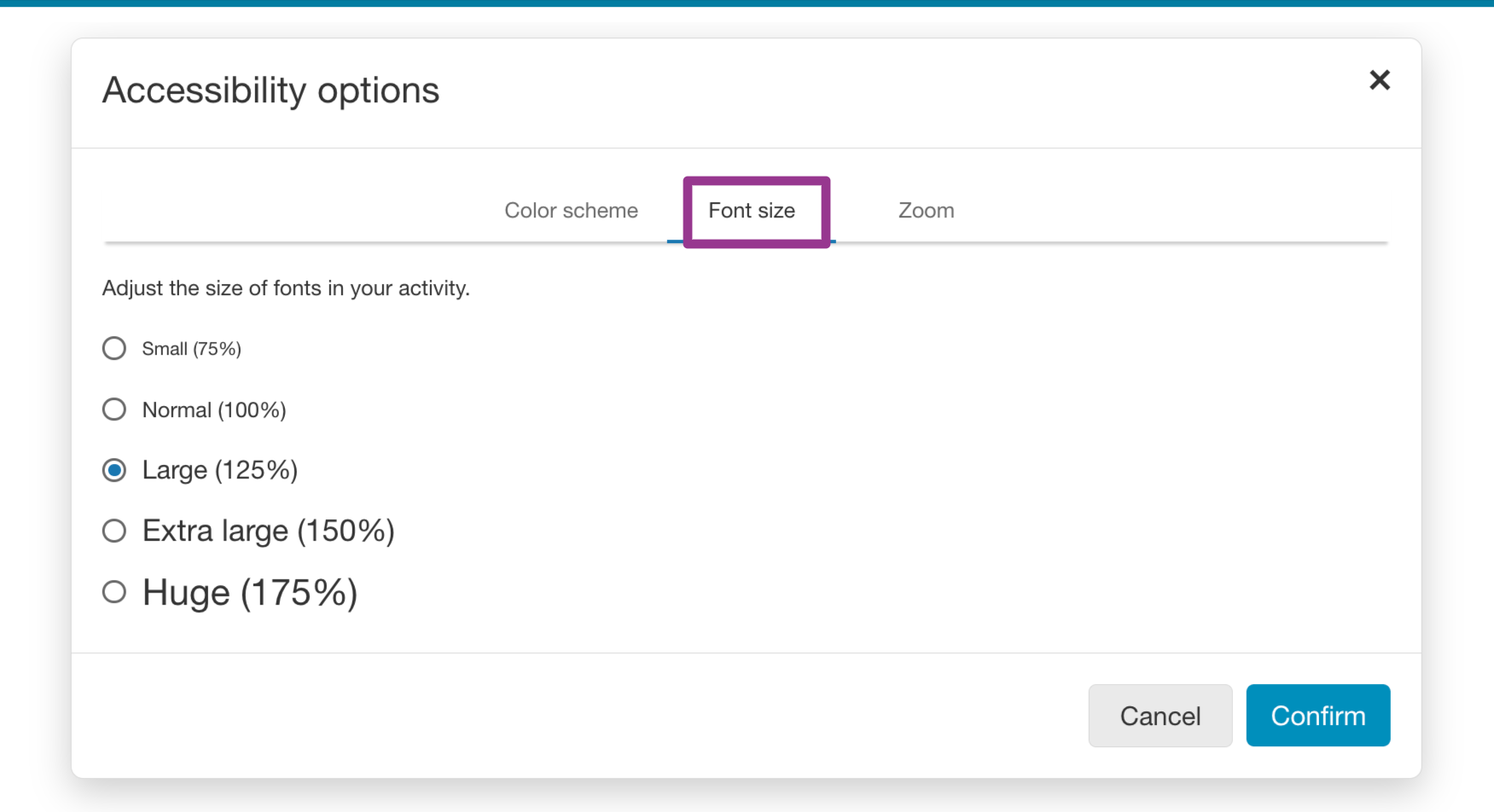
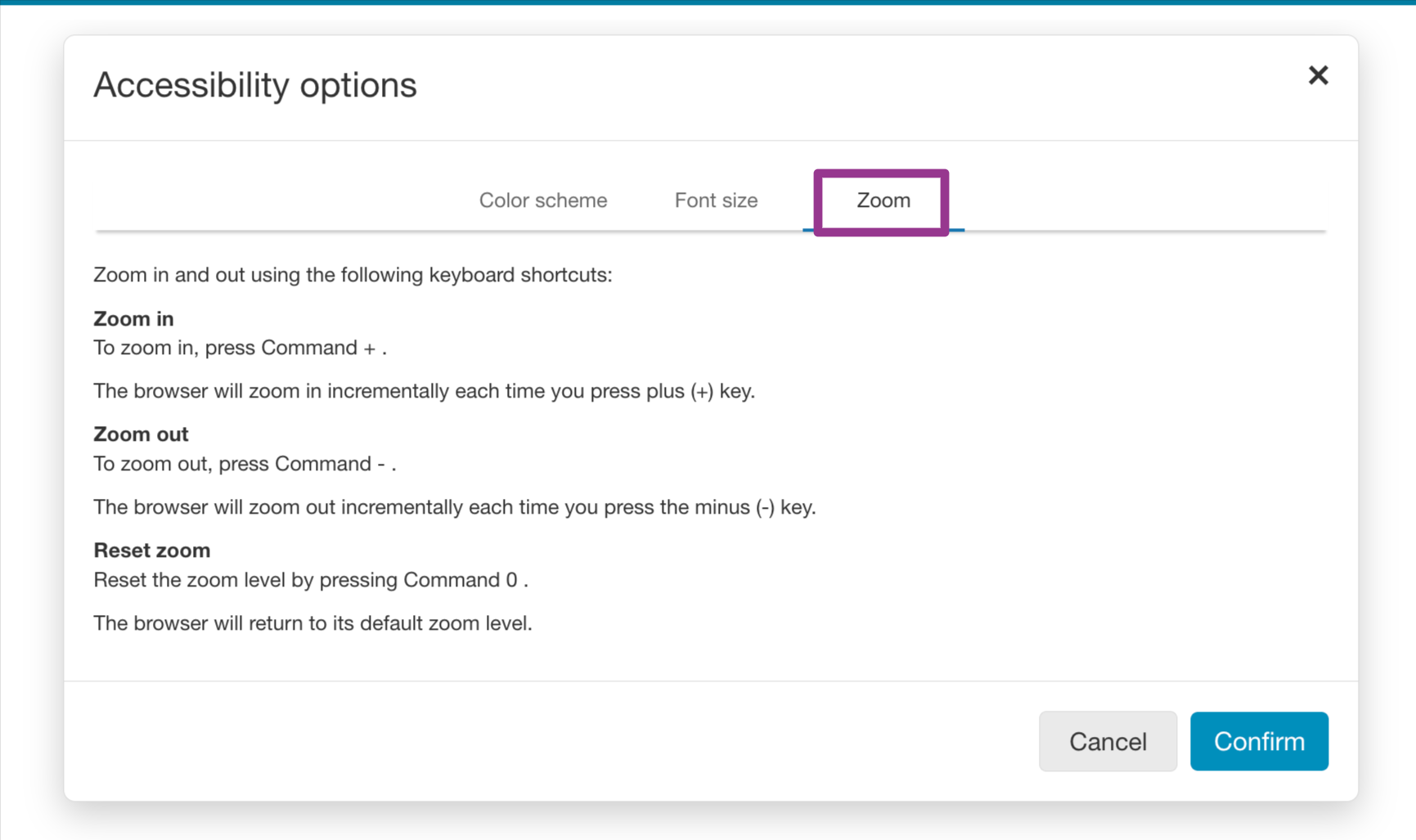
- Accessibility options: Change the colors, font size, or zoom in or out on the question.
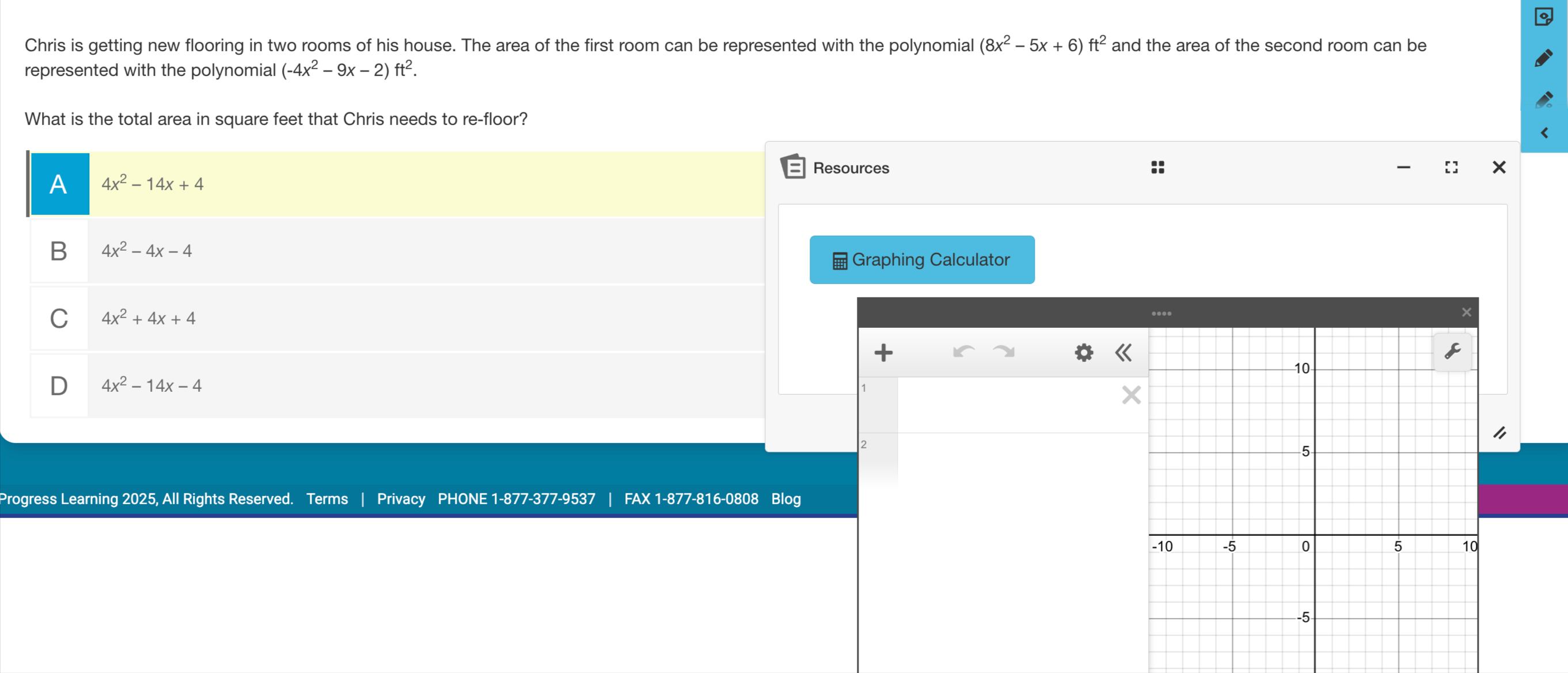
- Calculators are available in math and select science courses
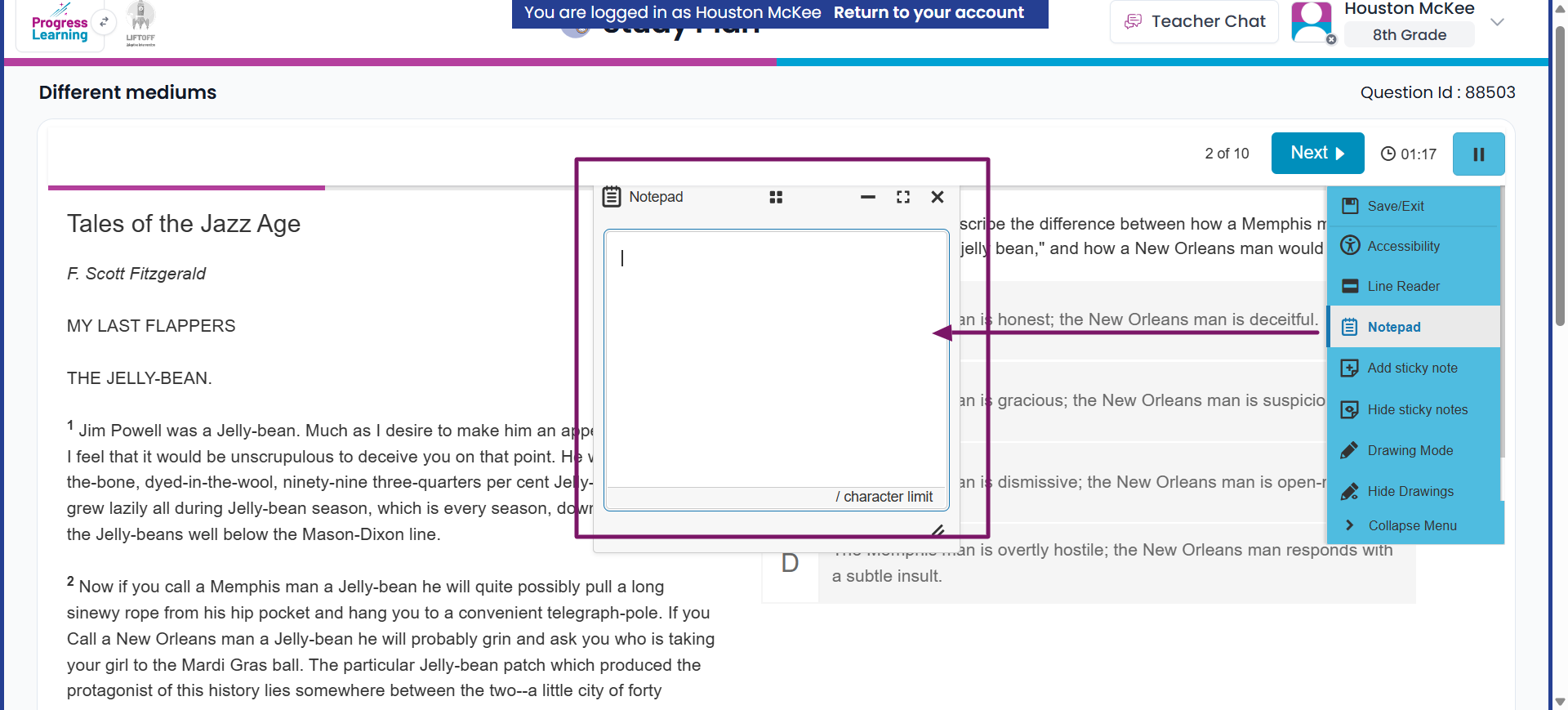
- Notepad: Type notes to help your understanding of the question
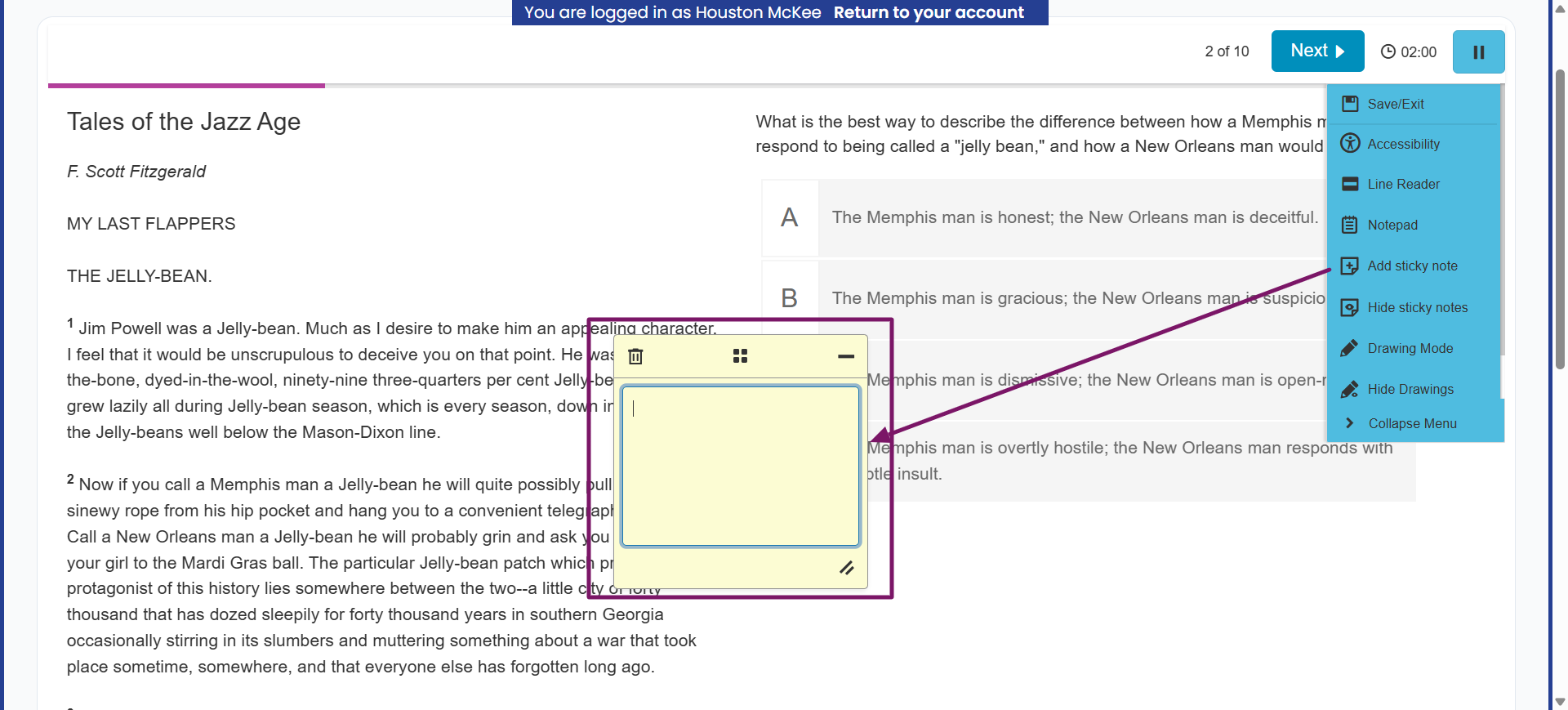
- Sticky Notes: Add or hide a sticky note with your notes or reminders for the question
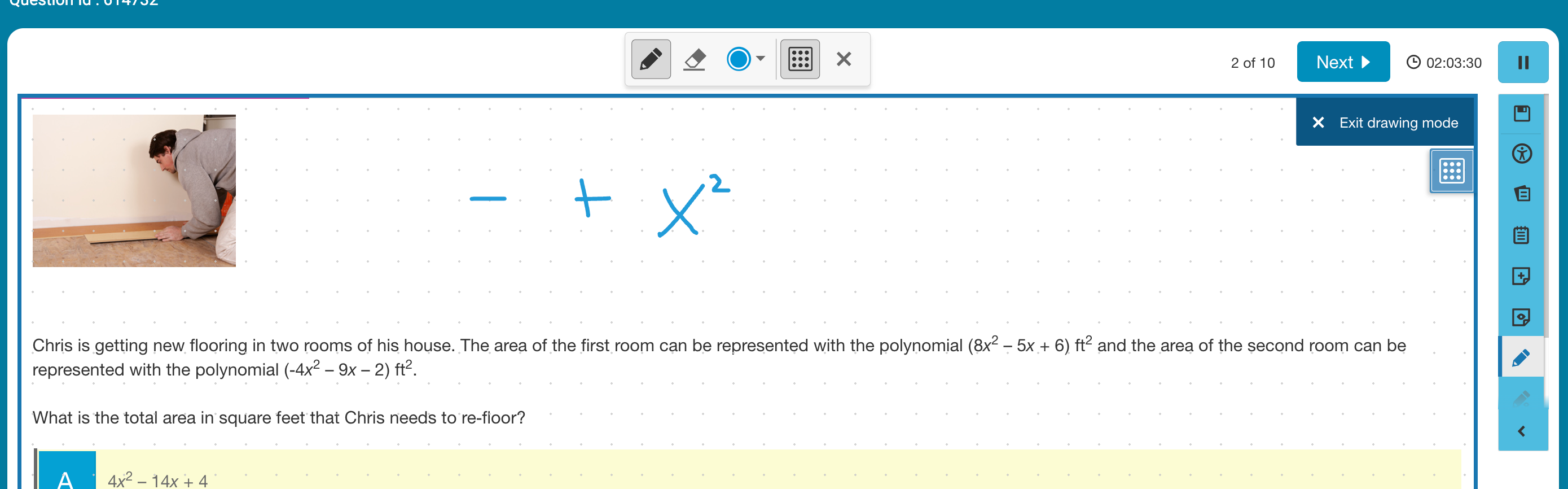
- Drawing mode: Use the drawing tools to help your understanding of the question
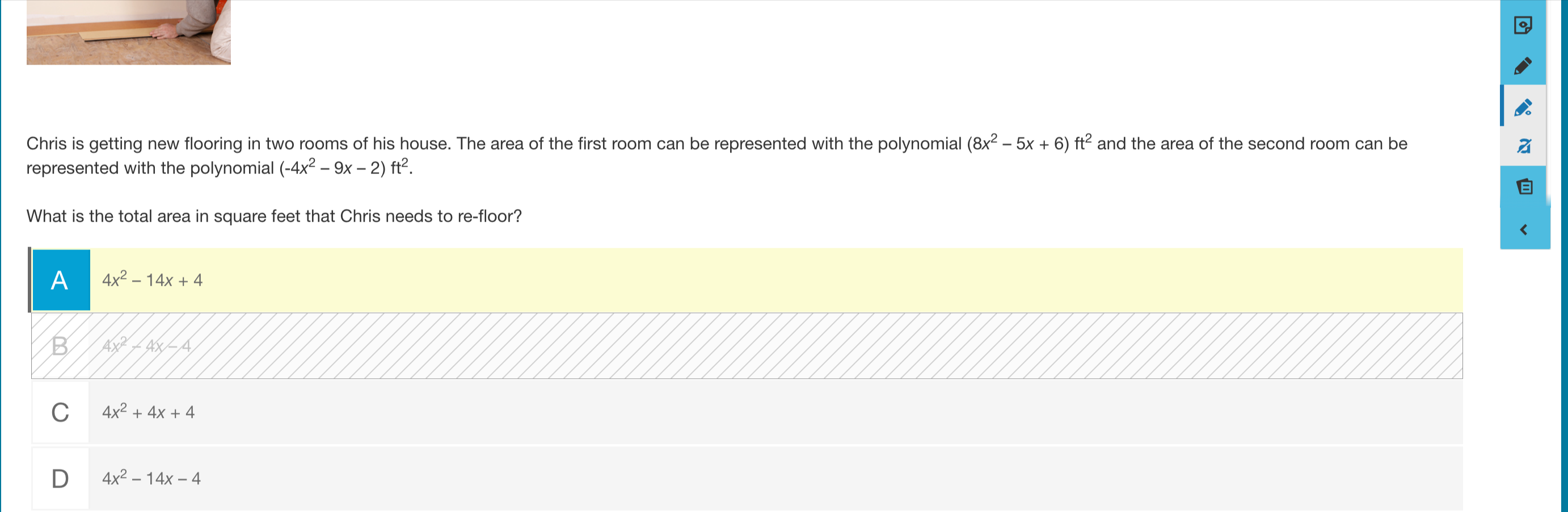
- Response Masking: Eliminate answer choices that are incorrect
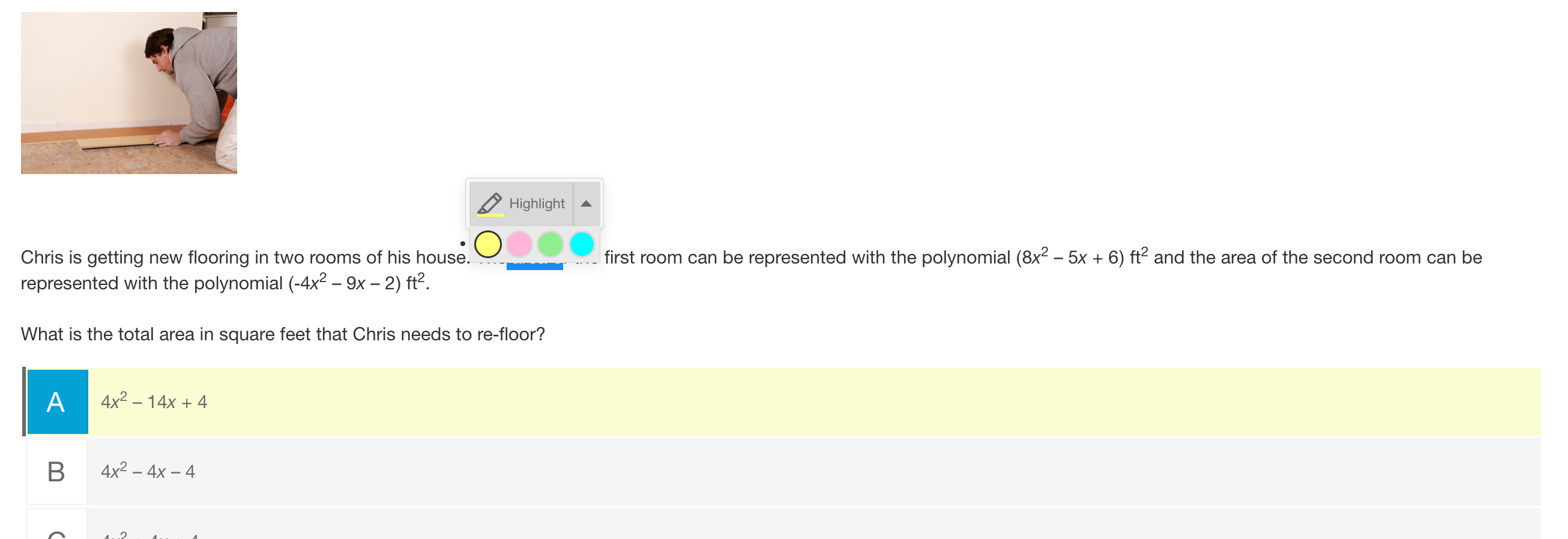
- Highlight: Students can highlight by selecting the text. The Highlight option will appear and students have color options.
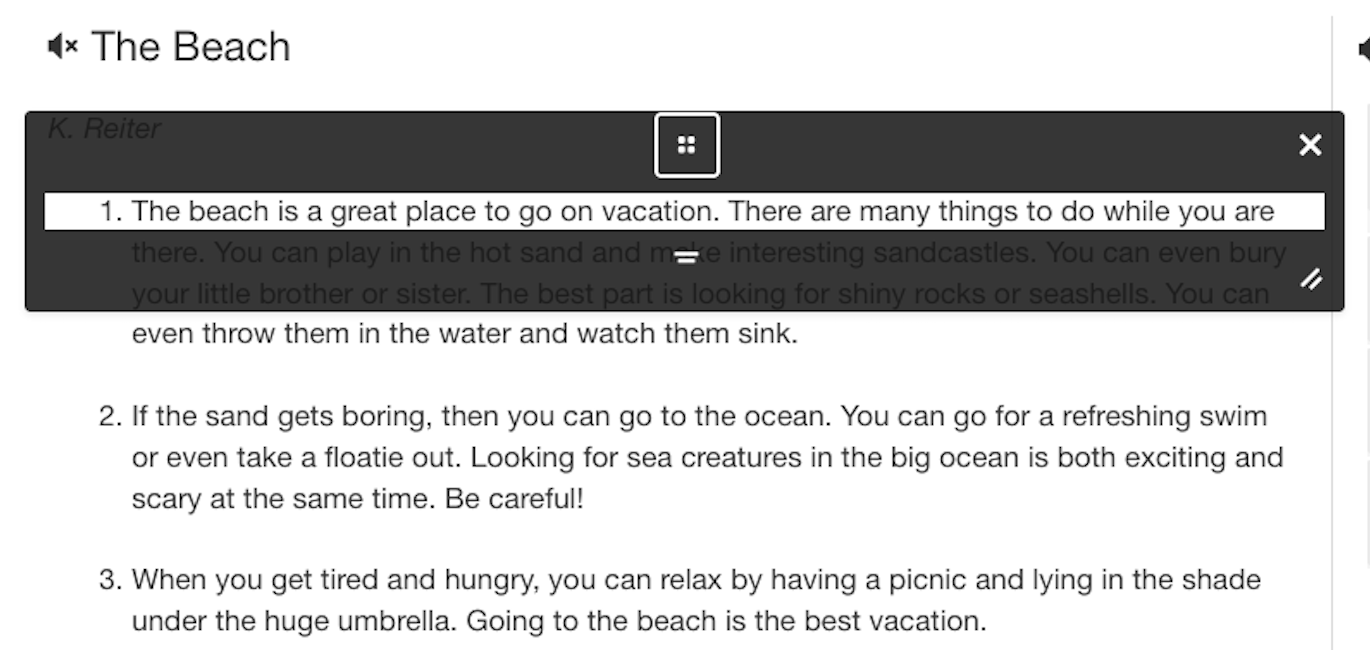
- Line Reader: The line reader is a tool that assists individuals with various reading challenges by focusing their attention on one line of text at a time. Our resizable line reader makes it easy to accommodate different sizes and lengths of text with its drag to resize feature.