How do I see if students are active in the platform?
 Updated
by
Gayle McKee
Updated
by
Gayle McKee
From the Classroom Dashboard:
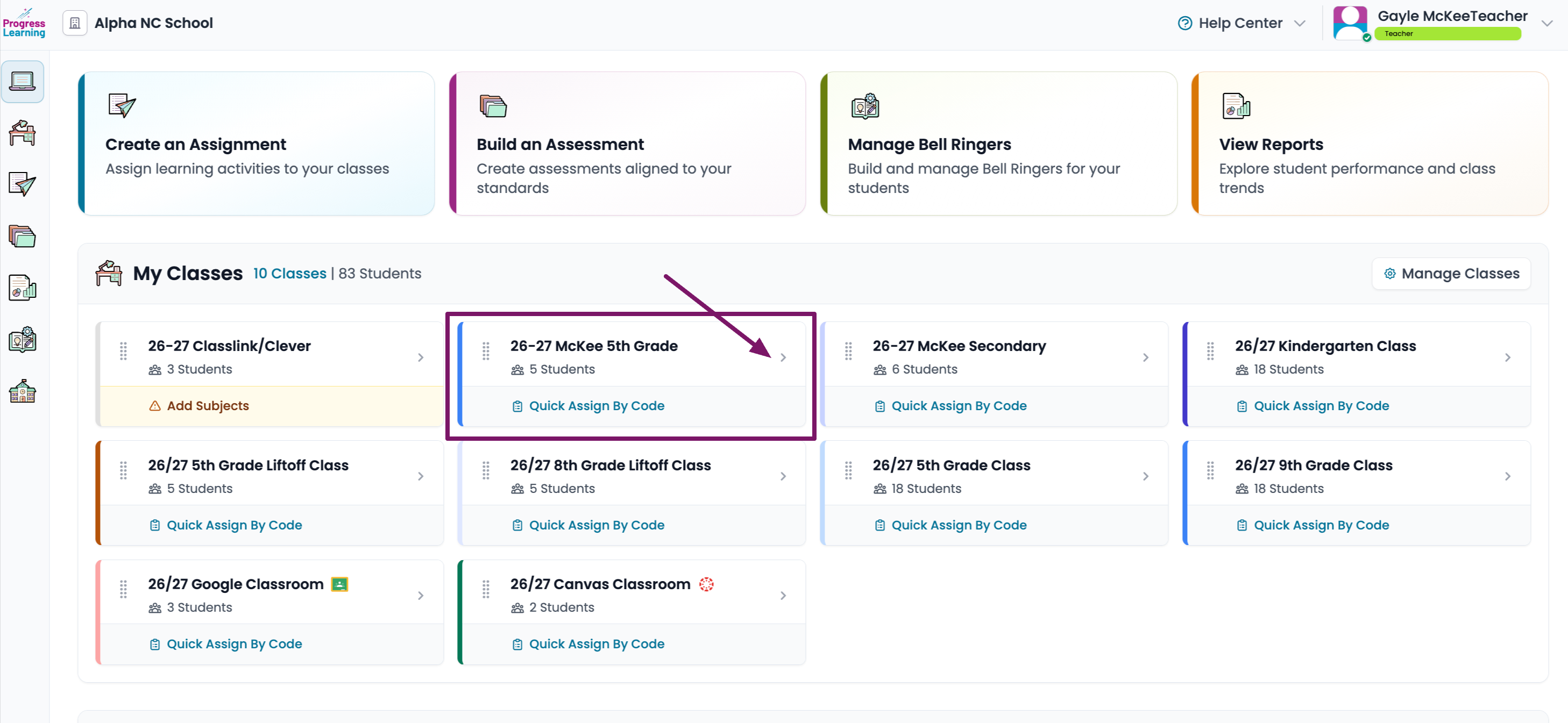
- On your teacher dashboard, click on the class you want to view.
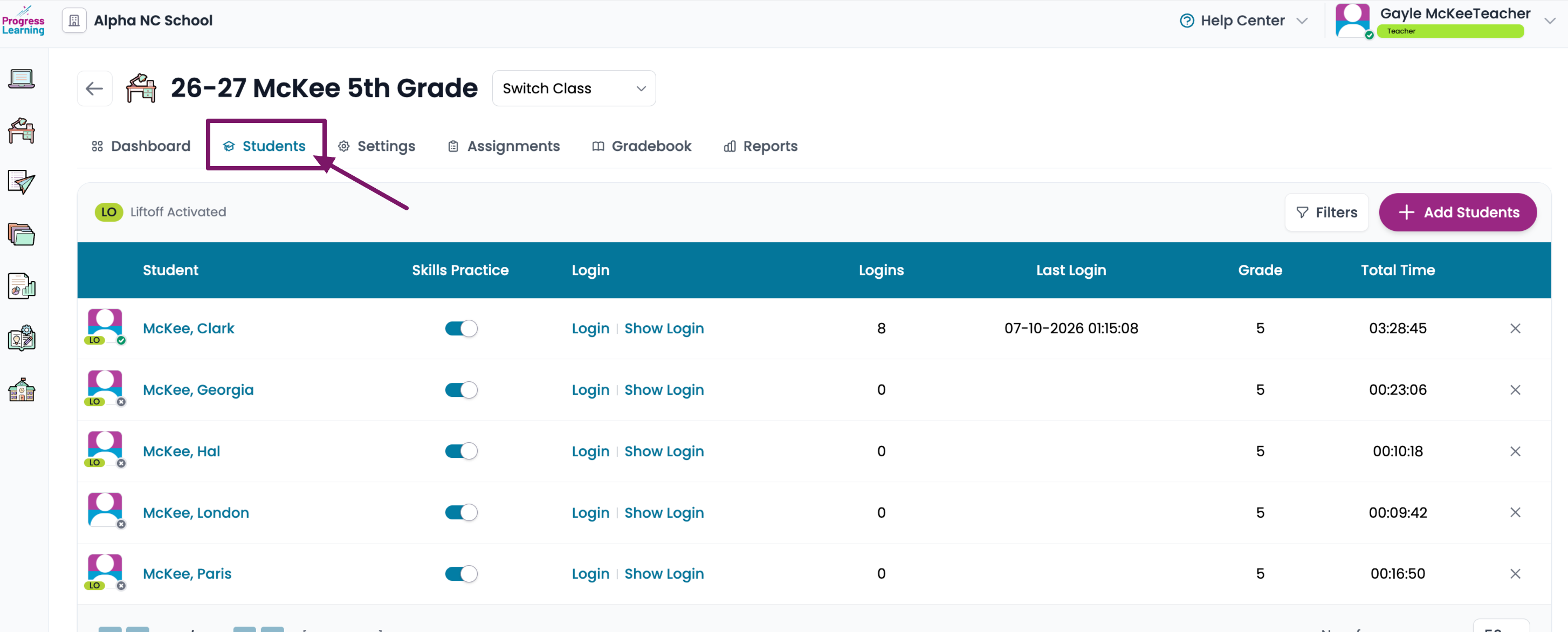
- You will need to press on the Students tab.
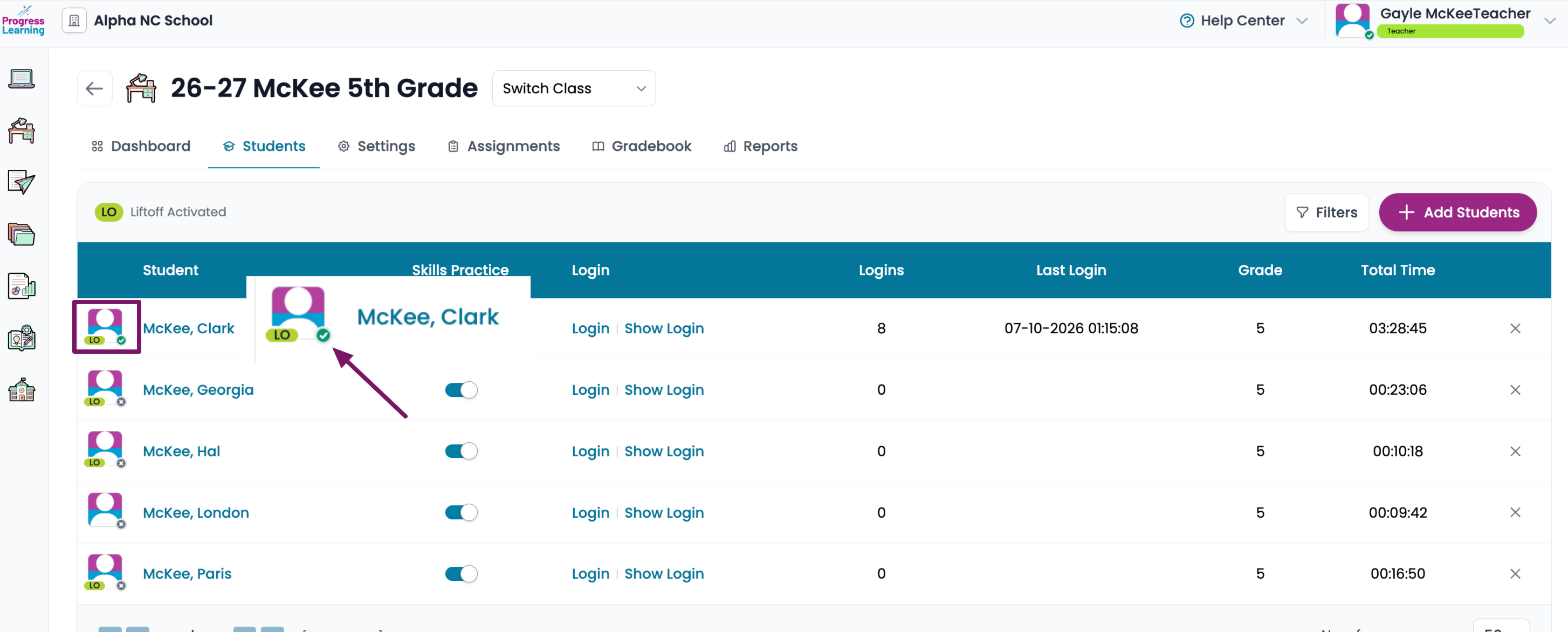
- You will see a check mark next to an individual student to show they are live and working within the platform.
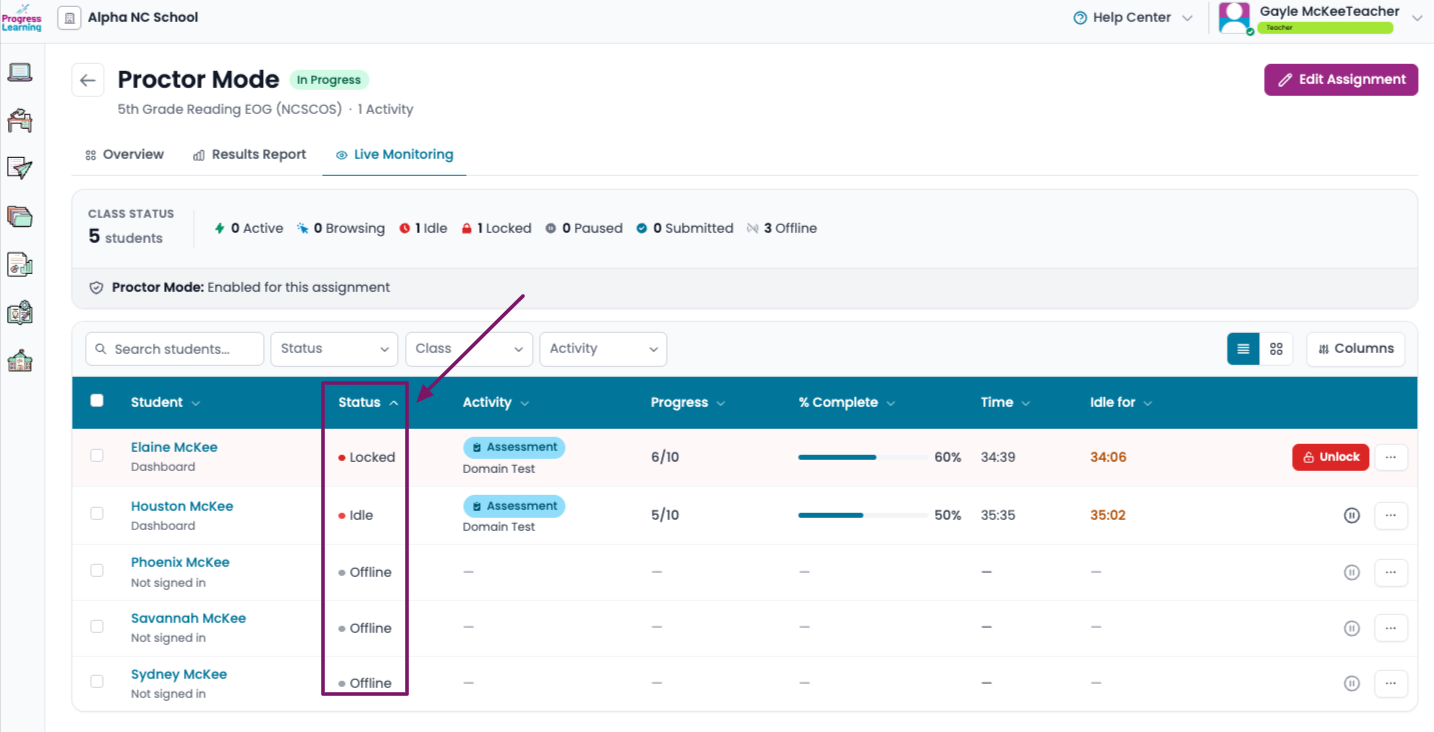
From the Live Monitoring Report
- Open the Live Monitoring Report
- The Status Bar will indicate the student's status
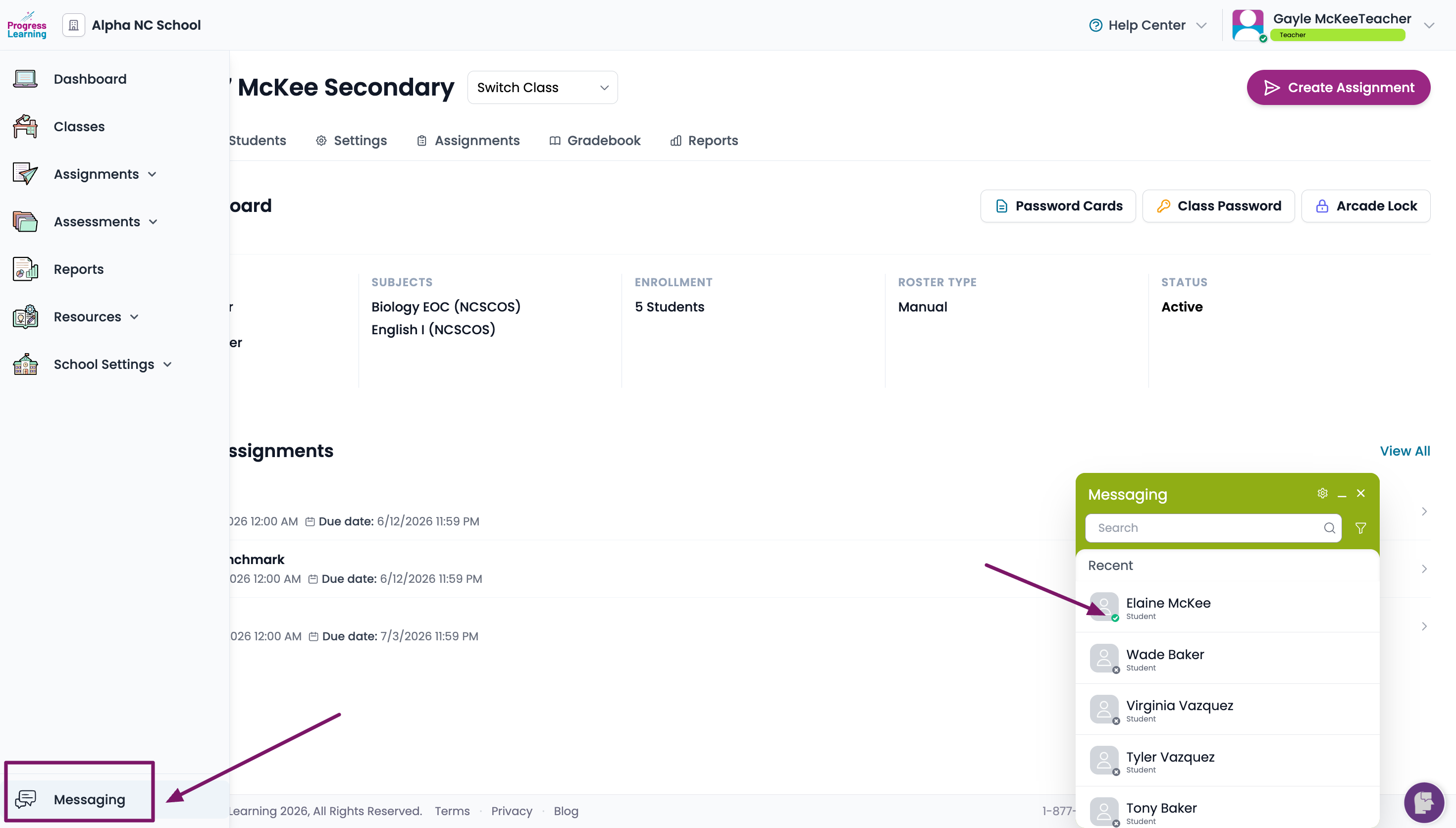
From Student Messaging
- Click on Student Messaging from the left side navigation bar. You will see the student's status in the pop up message box