What is the study plan and how do students get started?
 Updated
by
Gayle McKee
Updated
by
Gayle McKee
What is the study plan?
Student study plans are standards-aligned videos and practice questions designed to support student learning in all of our content areas. Student study plans are built into the Progress Learning platform, and are not teacher-assigned. They are a place for students to easily see their own progress, which promotes self-motivation and student responsibility.
How can students get started?
Getting started is very simple!
- Log into Progress Learning.
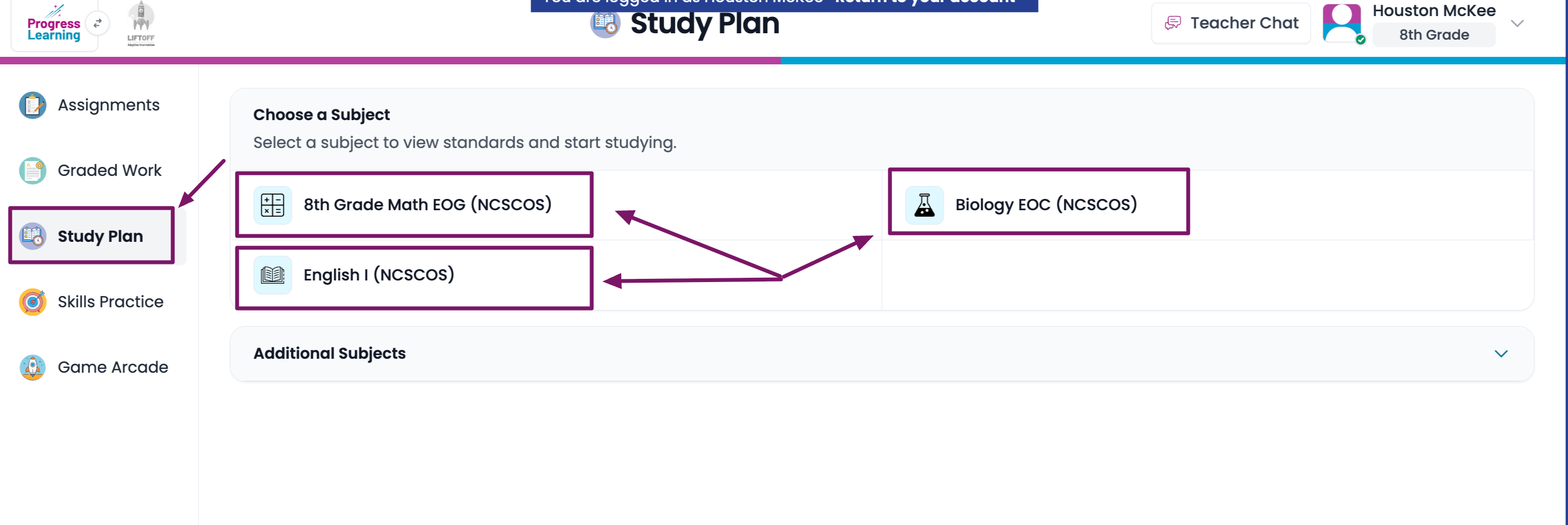
- Navigate to the Study Plan.
- Start Studying!
K-1 Dashboard | 2-5 Dashboard | 6-12 Dashboard |
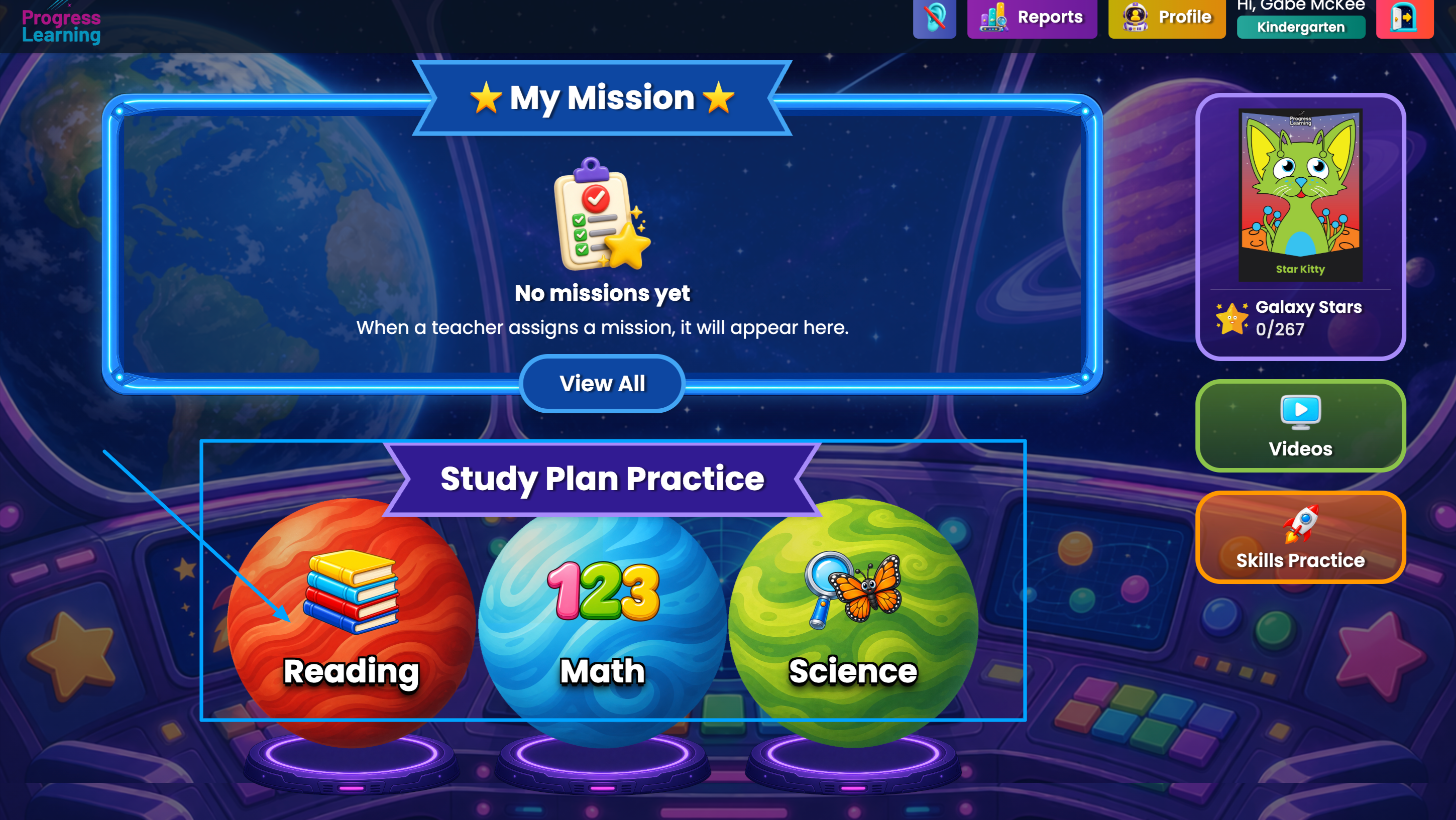
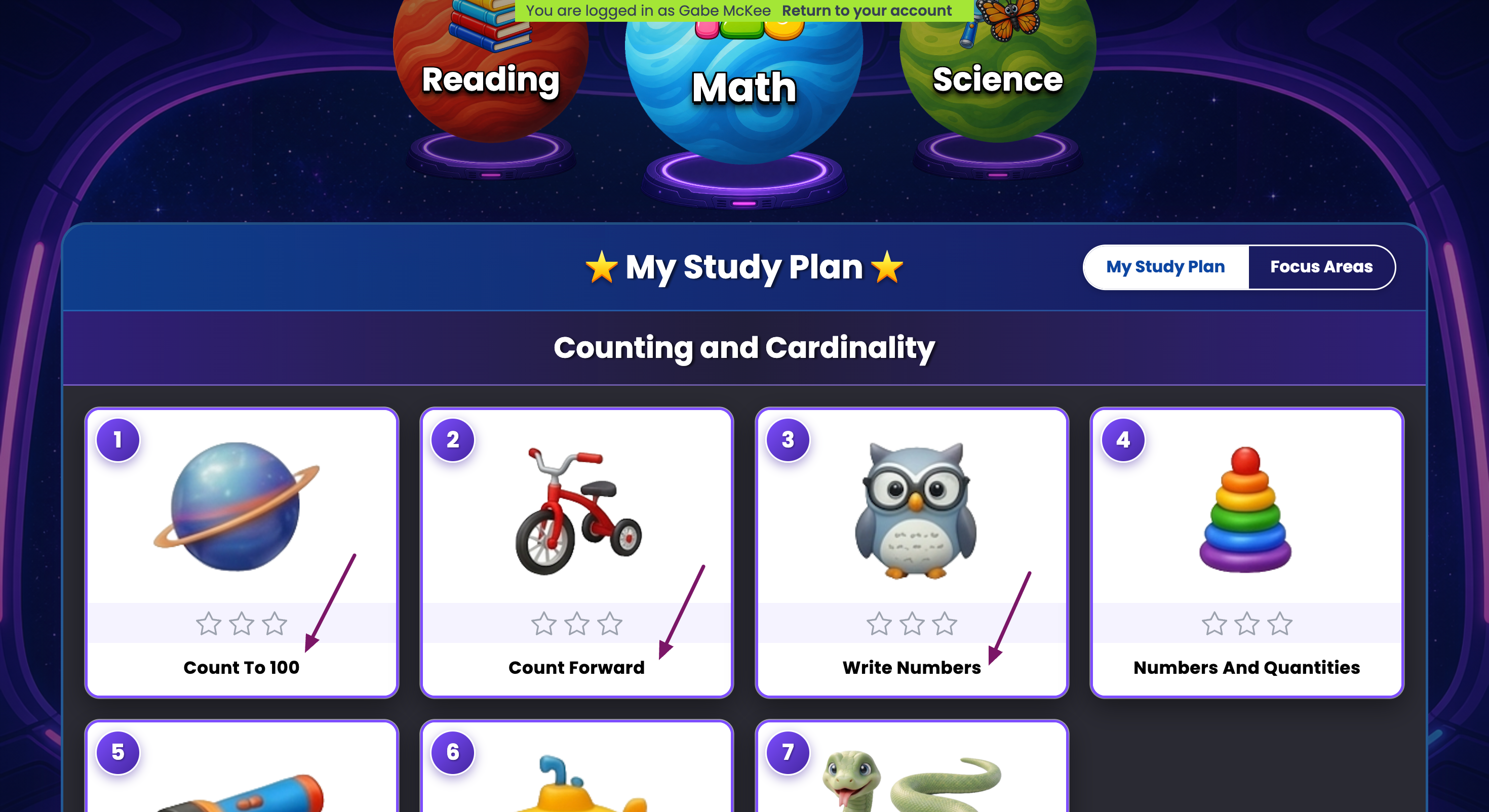
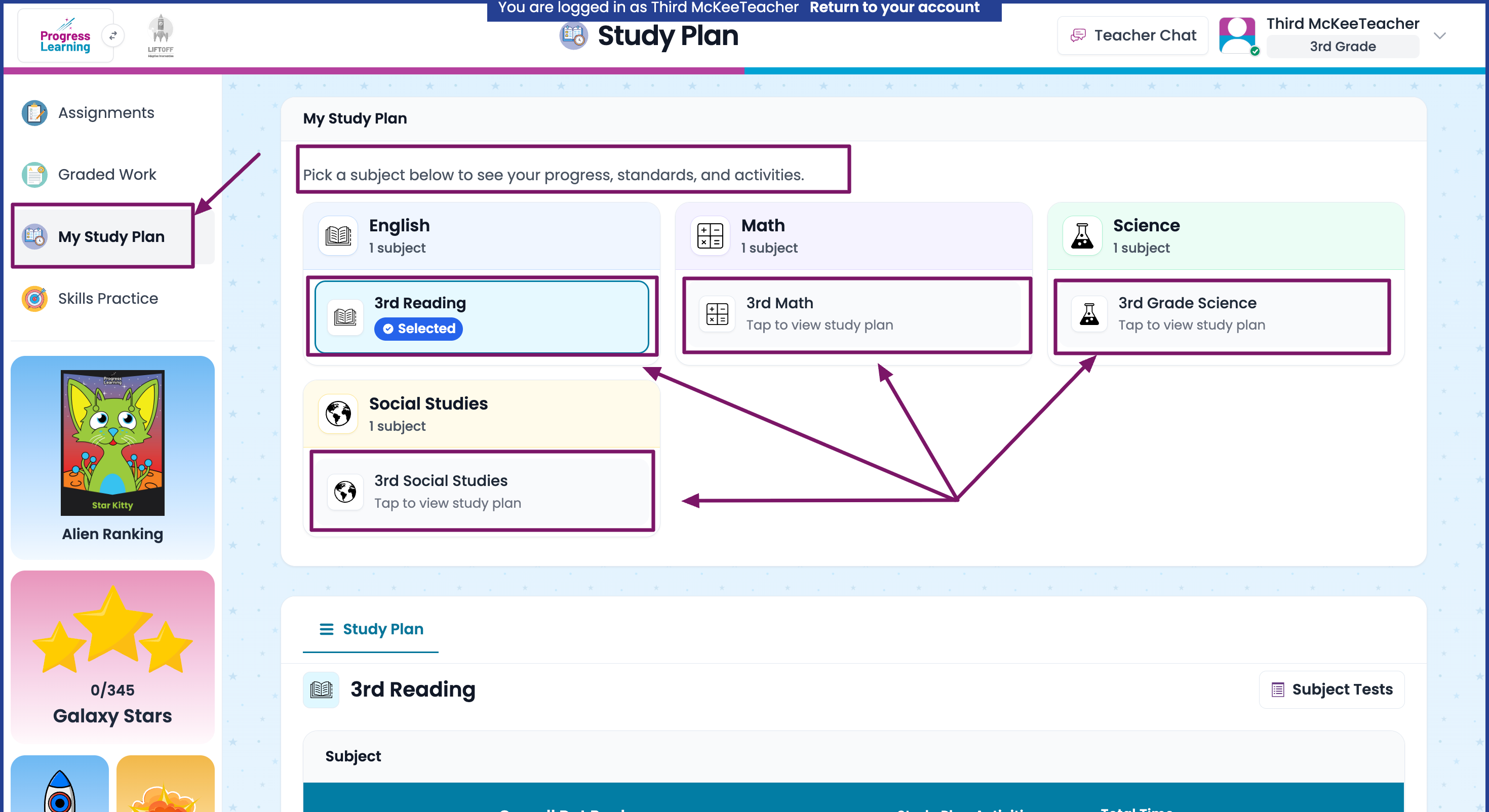
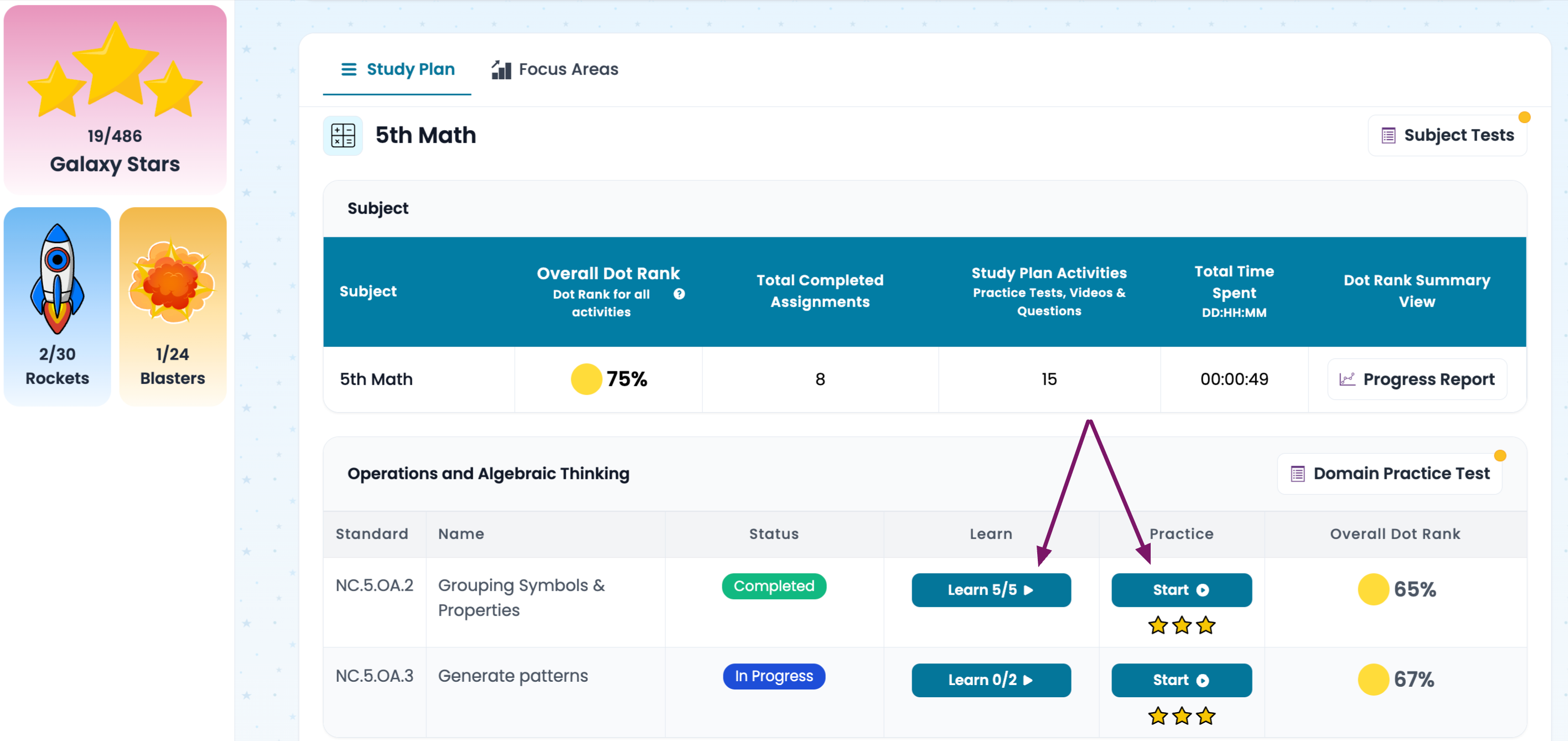
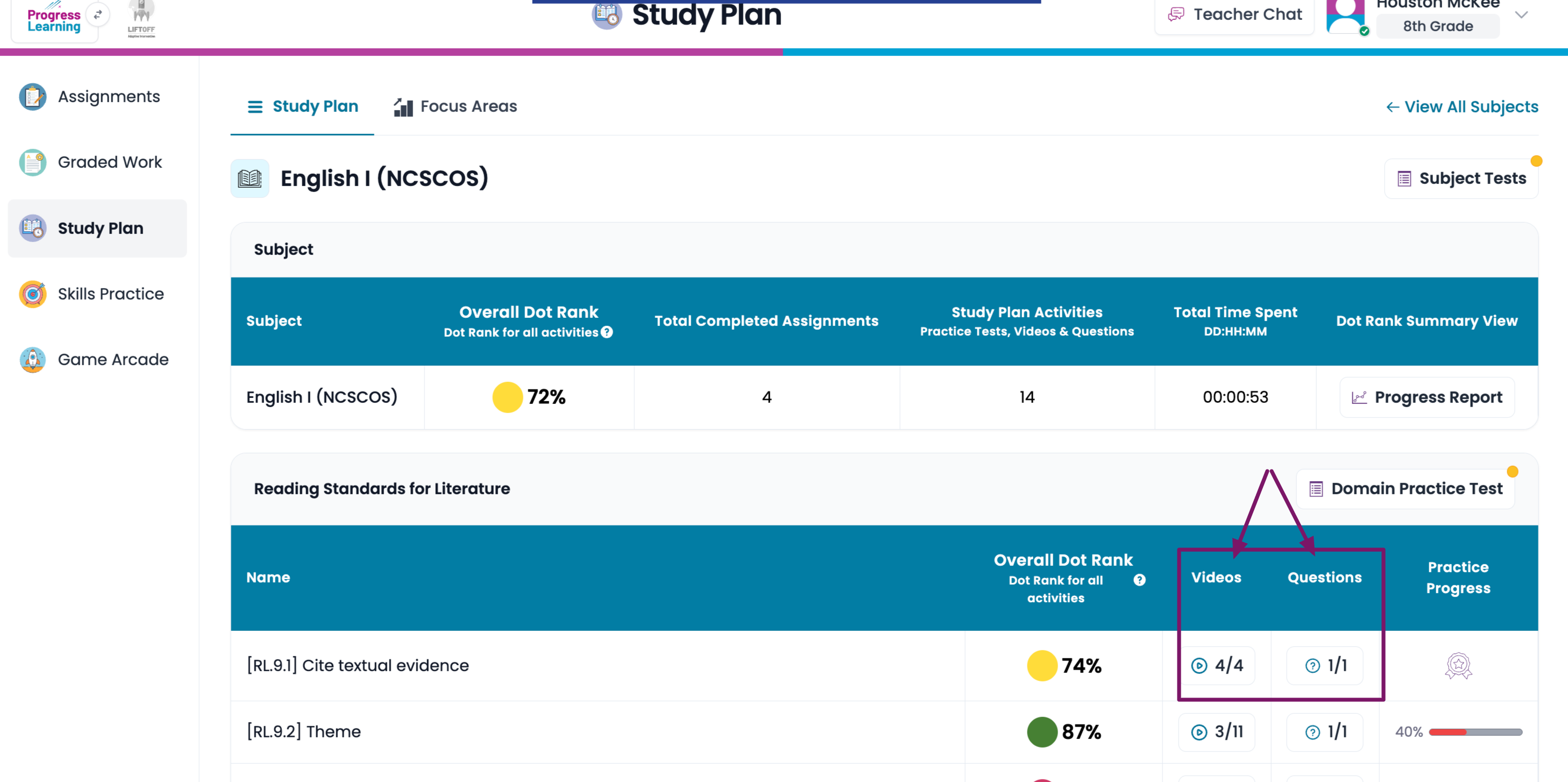
Click on a planet to get into the study plan. Click on a tile with an icon to engage with practice questions. | Click on Study Plan and the subject. Watch videos by clicking on Learn, and engage with practice questions by clicking on Start. | Click on Study Plan and the subject. Watch videos by clicking the Play icon in the Videos column, and engage with practice questions by clicking on the button in the Questions column. |
  |   |   |
Should students start with an assessment?
Teachers may utilize the study plans many different ways. Here are some suggestions:
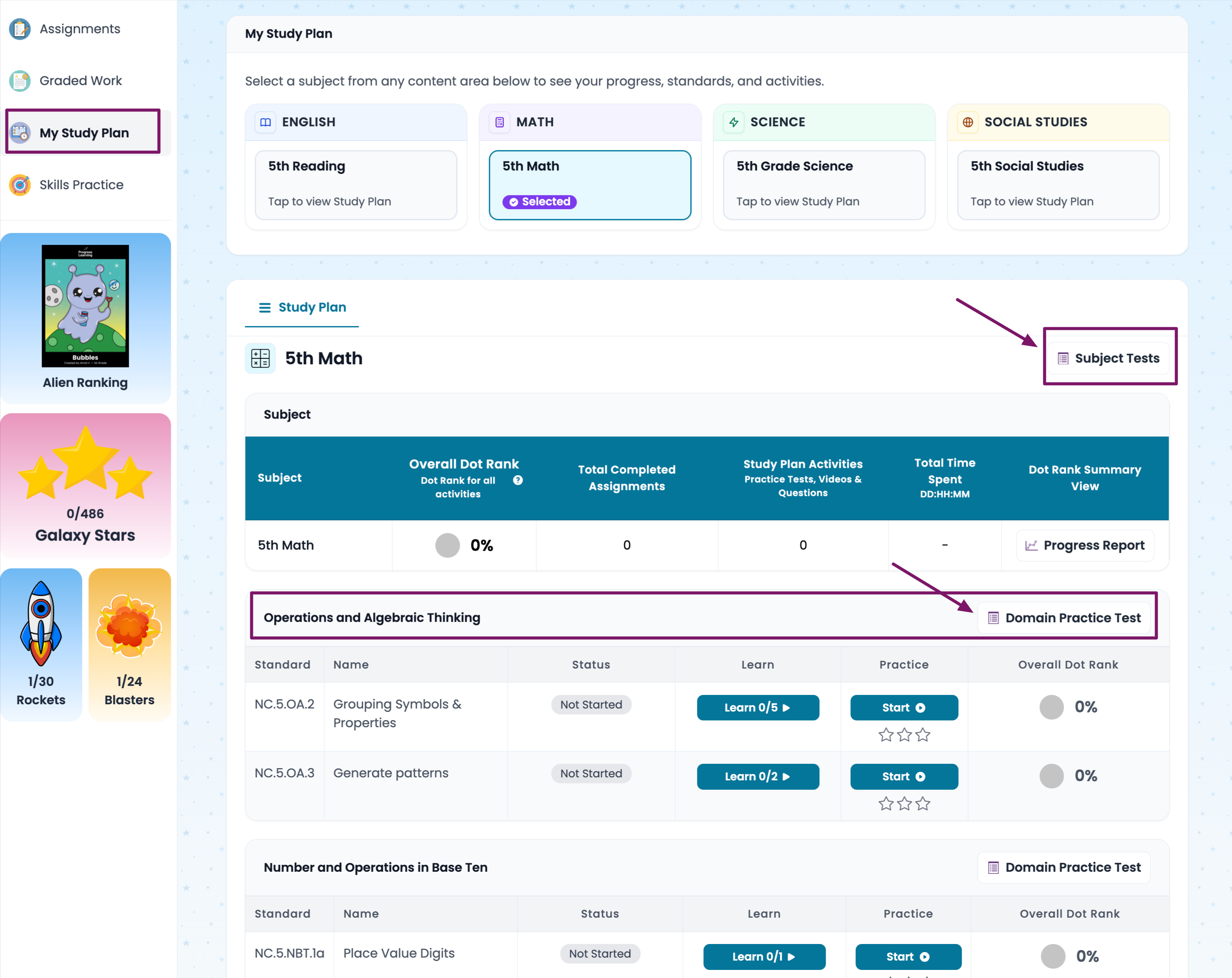
- Have students take a domain test or a subject test to get started. This option is available for grades 2-12. Students simply click on Domain Test or Subject Test on the study plan.
- Domain or Subject Tests are not mandatory in Progress Learning. An alternative way to begin is for students to begin studying a standard that you choose right away. Teach your students how to find that standard, and give students enough time to complete the video lessons and practice questions for that standard. Once the student has a green dot (grades 6-12) or 2 stars (grades K-5), they can move on to learn something new.
- Teachers may assign an assessment to all students to get started. (Click here to learn how to create an assessment).
Can students see their own progress?
- The Progress Learning platform will calculate an ongoing, cumulative average of each standard. As students begin answering questions, they will see the average displayed as a colorful dot on the study plan beside each standard.
- Students in grades K-5 earn up to 3 Galaxy Stars to track their success on pracitce question sets. If a student earns 100% on a set of questions, he earns 3 stars. 80%-90% earns 2 stars, and 70% earns 1 star.
- Grades 6-12 have a Practice Progress bar. The student may earn 100% in the progress bar by completing all video lessons and practice sets with a score of 80% or greater on each. These students are awarded tokens to be used in the Game Arcade by answering questions correctly.
Is there an individualized learning path?
Yes! All standards with a current cumulative average below 80% (aka yellow and pink dots) will show up on a tab (or a tile for K-1) called Focus Areas.
