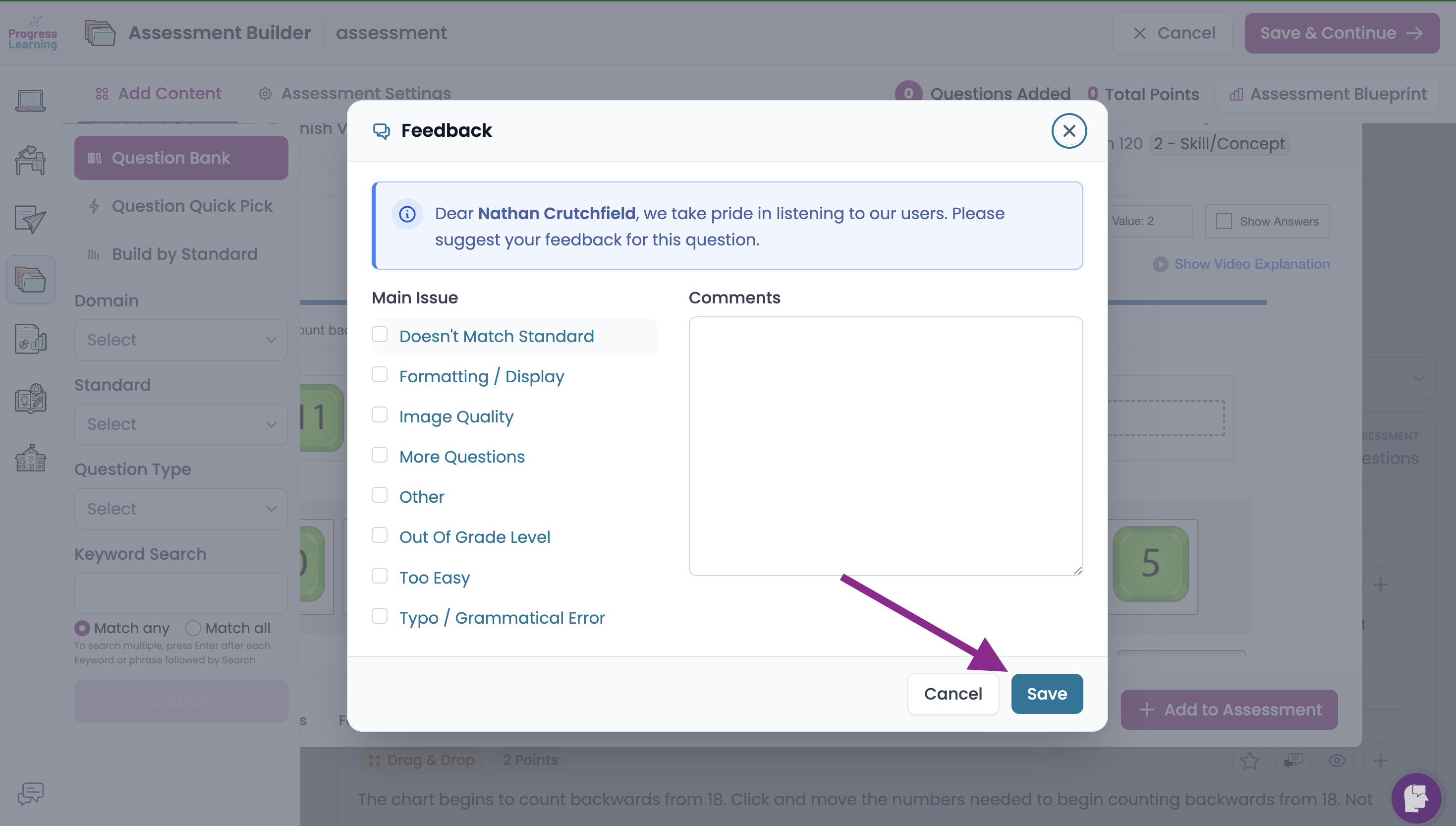
How do I submit feedback about a question?

Do you have input on a question that you've encountered in Progress Learning? Maybe an image is not loading properly or you feel like a particular question has been associated with the wrong standard. We want to hear from you and we make it easy with our Feedback option for each question.
Where to find the Feedback option
There are several places that offer you the ability to view questions: Assessment Builder, Results Report, Content Search, Bell Ringers, etc.
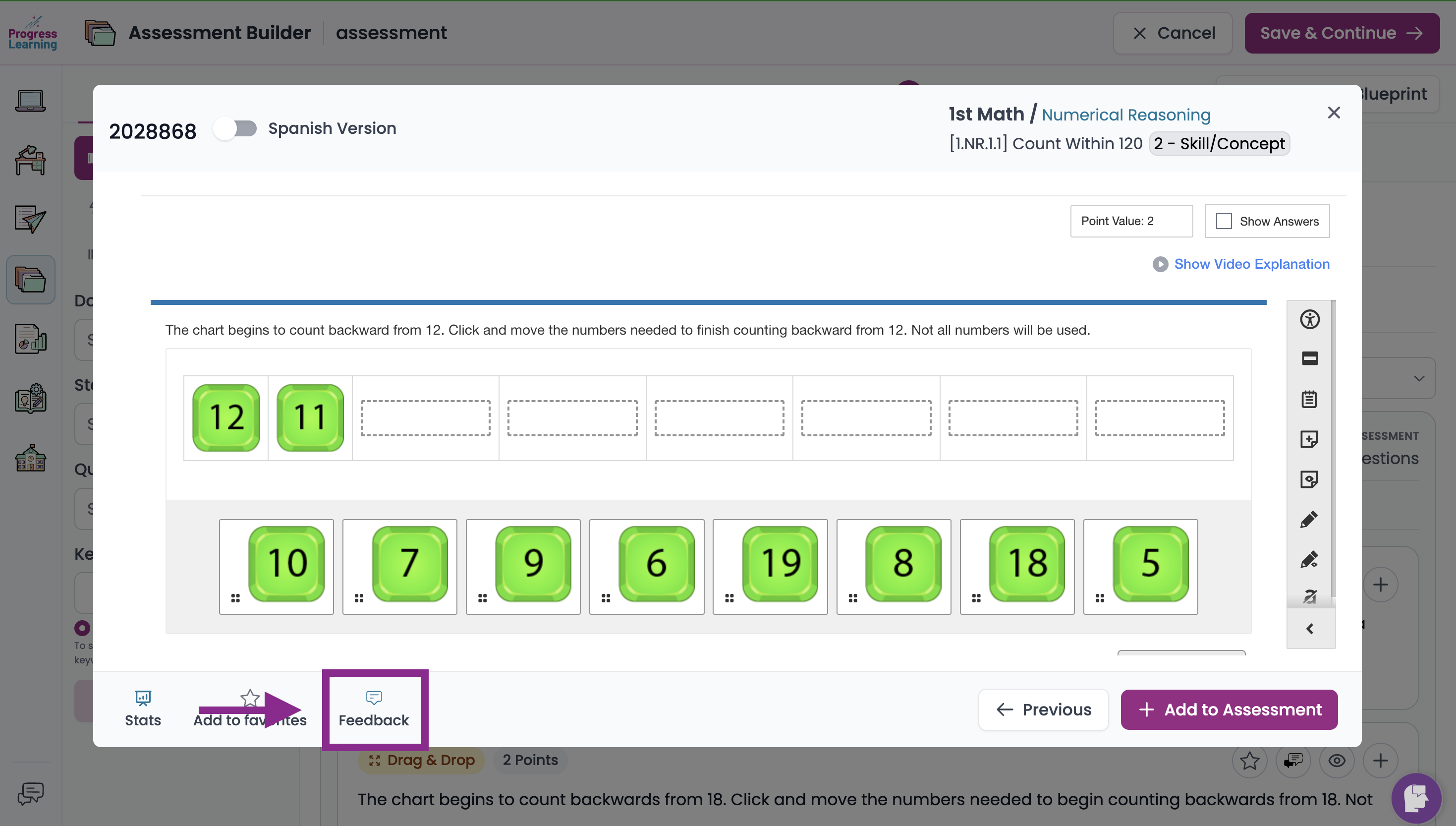
Every time you have the opportunity to preview a question, you will find a Feedback option at the bottom of the preview screen.
After clicking on Feedback, you have several options from which to choose. Simply tick the button next to the issue you would like to report and give us information in the Comments box, then click on Save. If the problem you would like to report is not on the list, you are able to craft your own response by clicking on Other.