How does a School Administrator assign an Assessment to an entire grade level?
 Updated
by
Gayle McKee
Updated
by
Gayle McKee
School Administrators are able to assign assessments to an entire grade level.
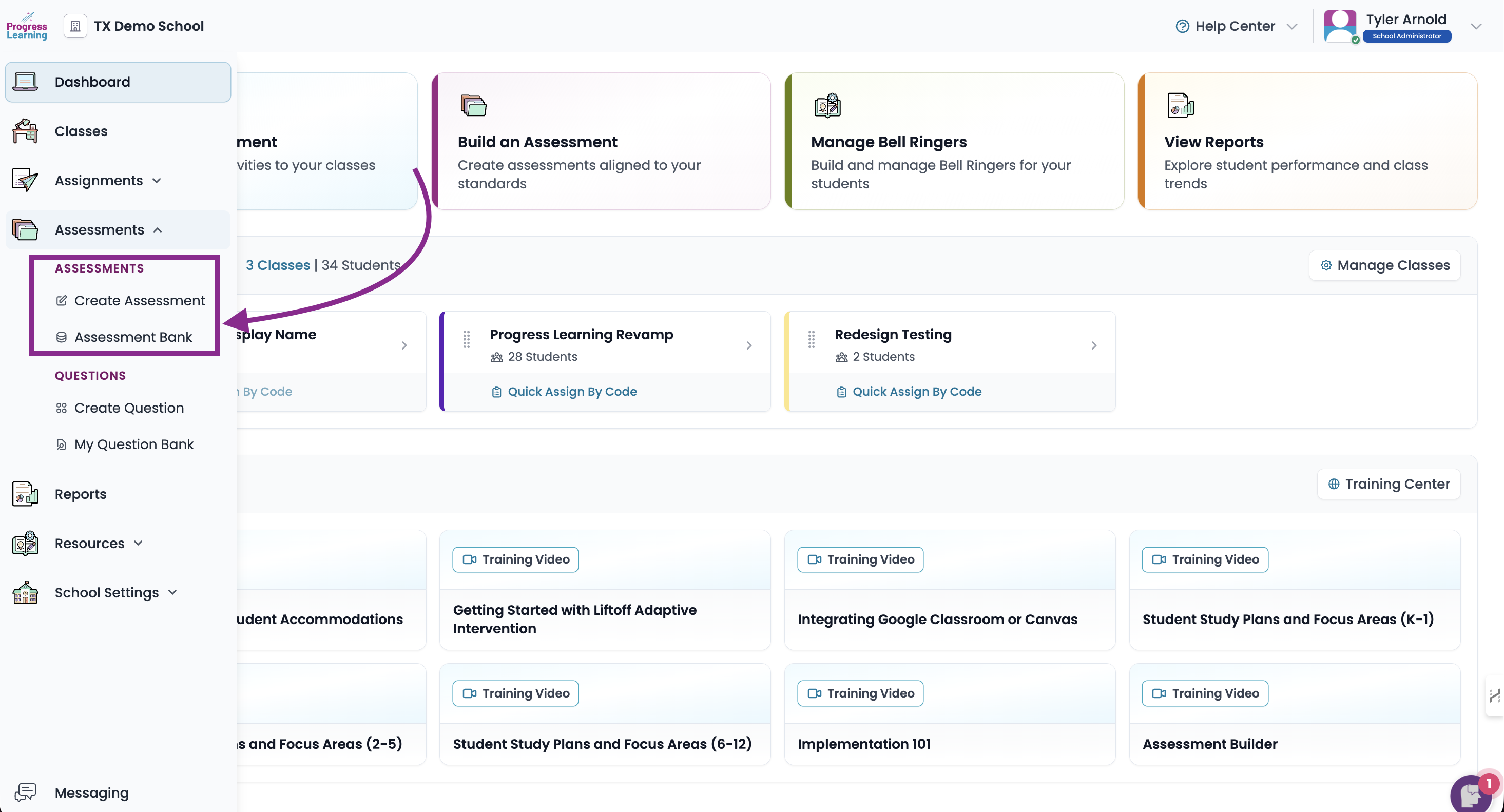
- Navigate to the Assessments tab and click on the Assessment Bank
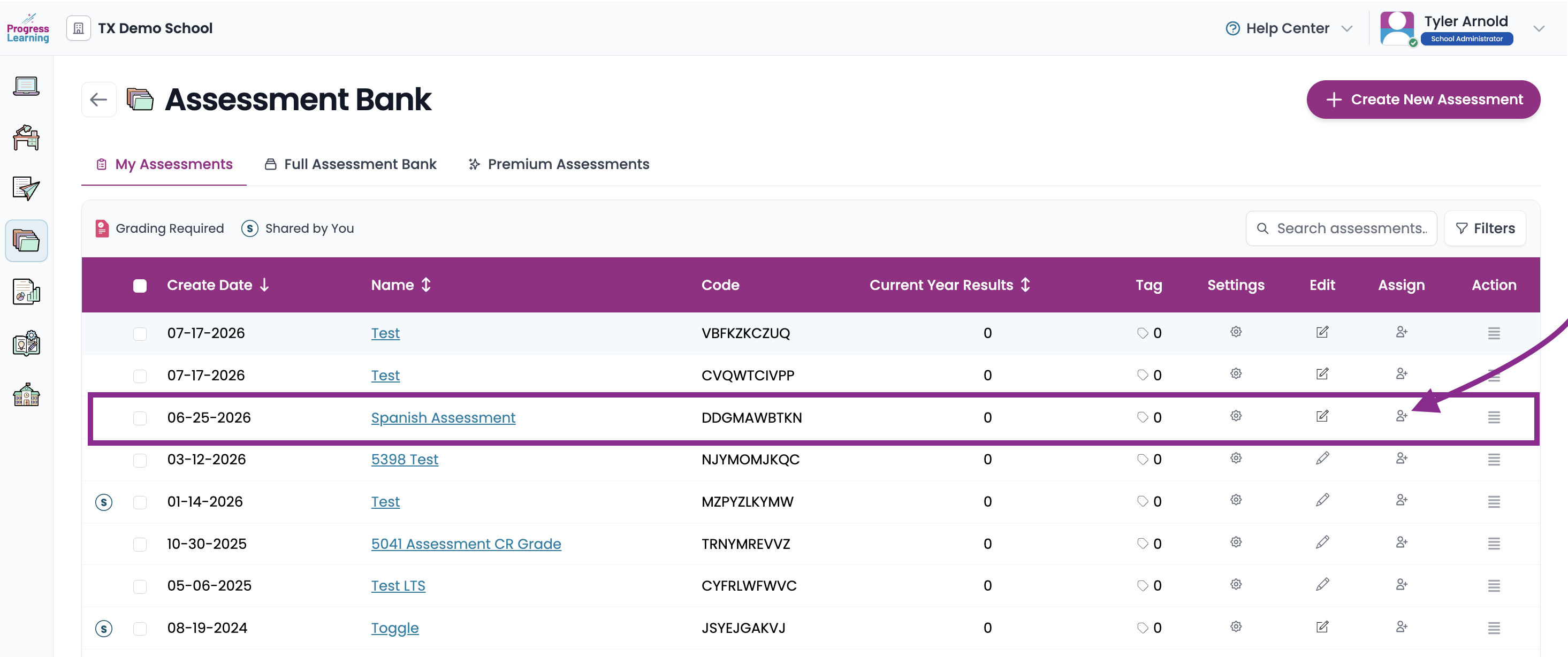
- Find the Assessment you are going to assign and click on the icon in the Assign column
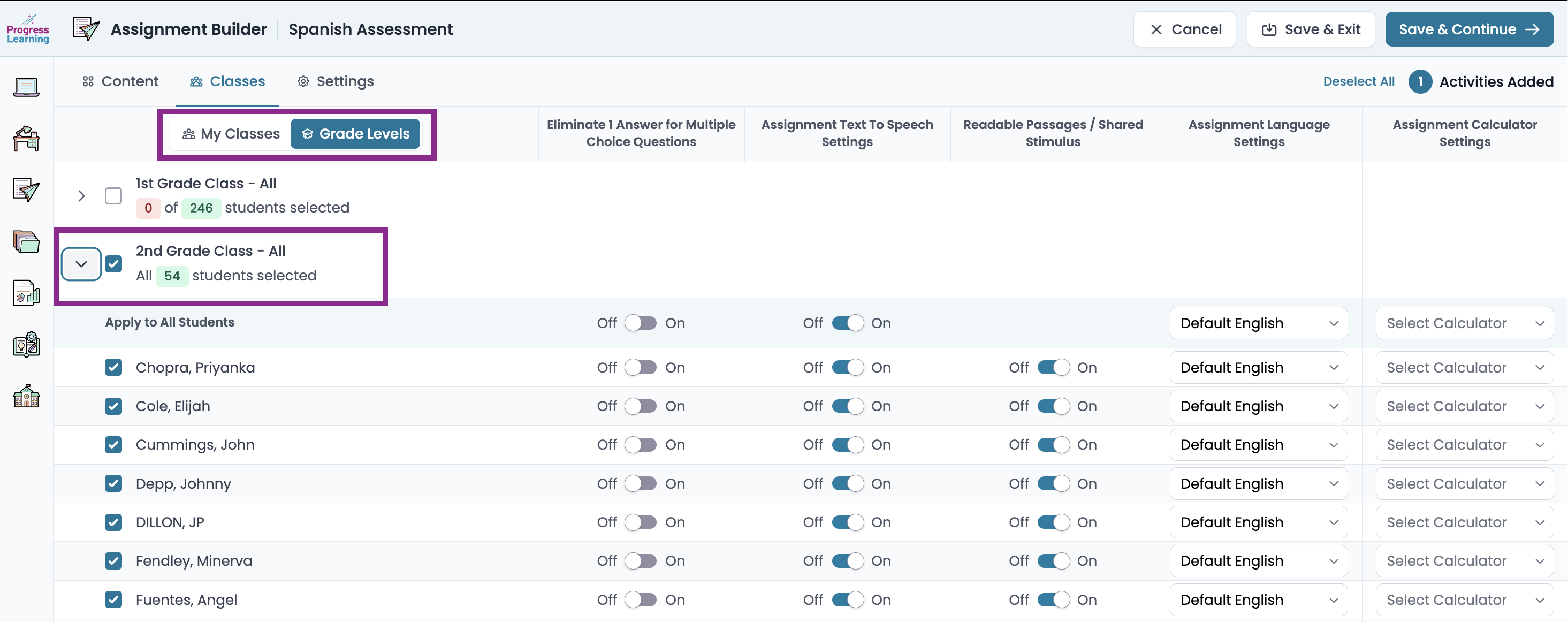
- Toggle to the Grade Level option and tick the box next to the grade level to which you are assigning the assessment.